
How it works
How Securicode works
Three steps, one closed loop. We issue unique codes only to approved brands, you put them on your products, and anyone can check them with a free app.
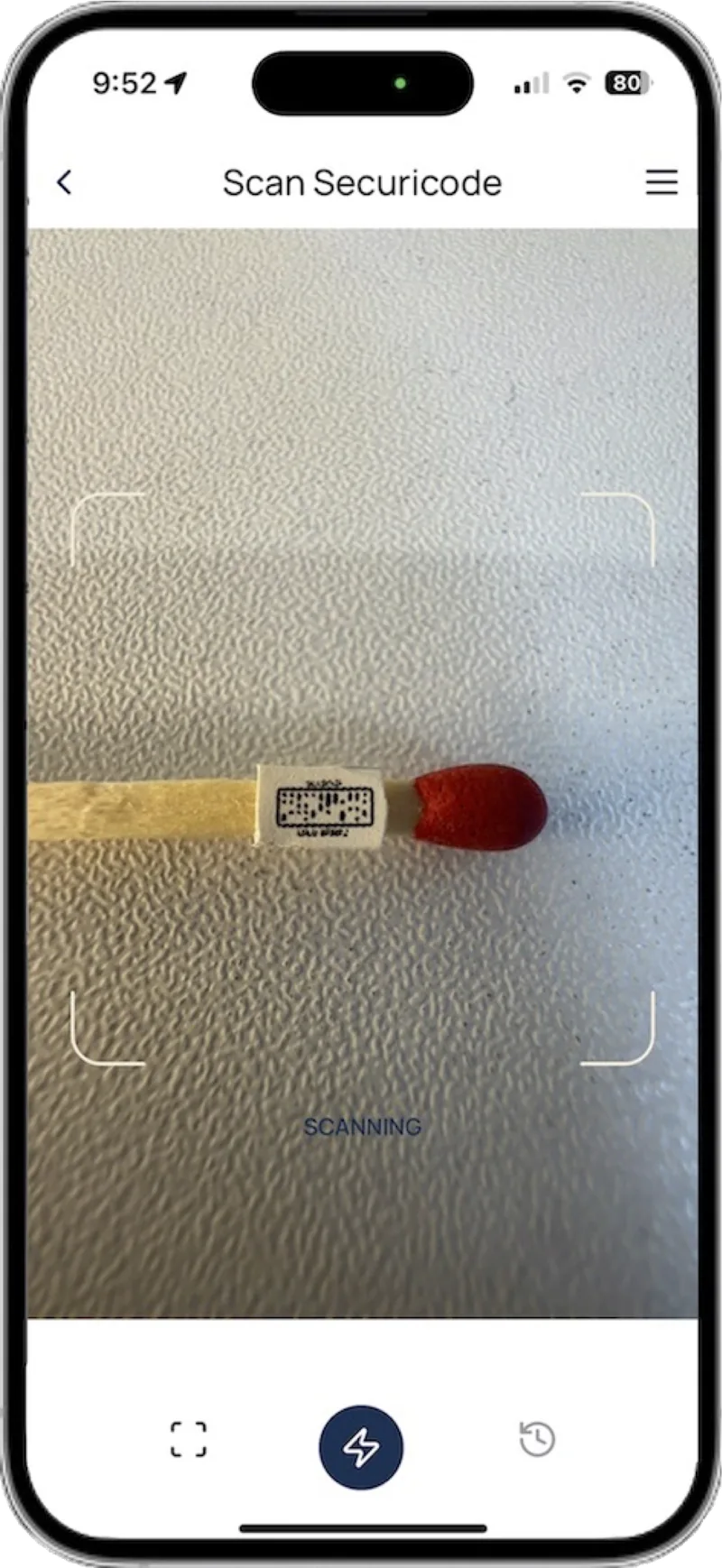
In short
Securicode is a product authentication system built on a closed loop. Only Securicode creates codes, and only for brands it has vetted. Each product carries a unique code that customers check with the free Securicode app, and every scan is logged with its time, date and location, so a copied code shows up when it is scanned too often or somewhere it should not be.
The closed loop
How does Securicode product authentication work?
Most Anti-counterfeit technology adds a feature to the pack and hopes it is hard to copy. Securicode controls who can create a working code in the first place, then watches how each code is used.
- 1
We issue unique codes to approved brands
Every brand is vetted before it receives codes. Each code is random and unique, drawn from more than a quadrillion possible combinations, and it only verifies against the Securicode database. A code someone makes up will not scan.
- 2
You print, etch or weave them onto products
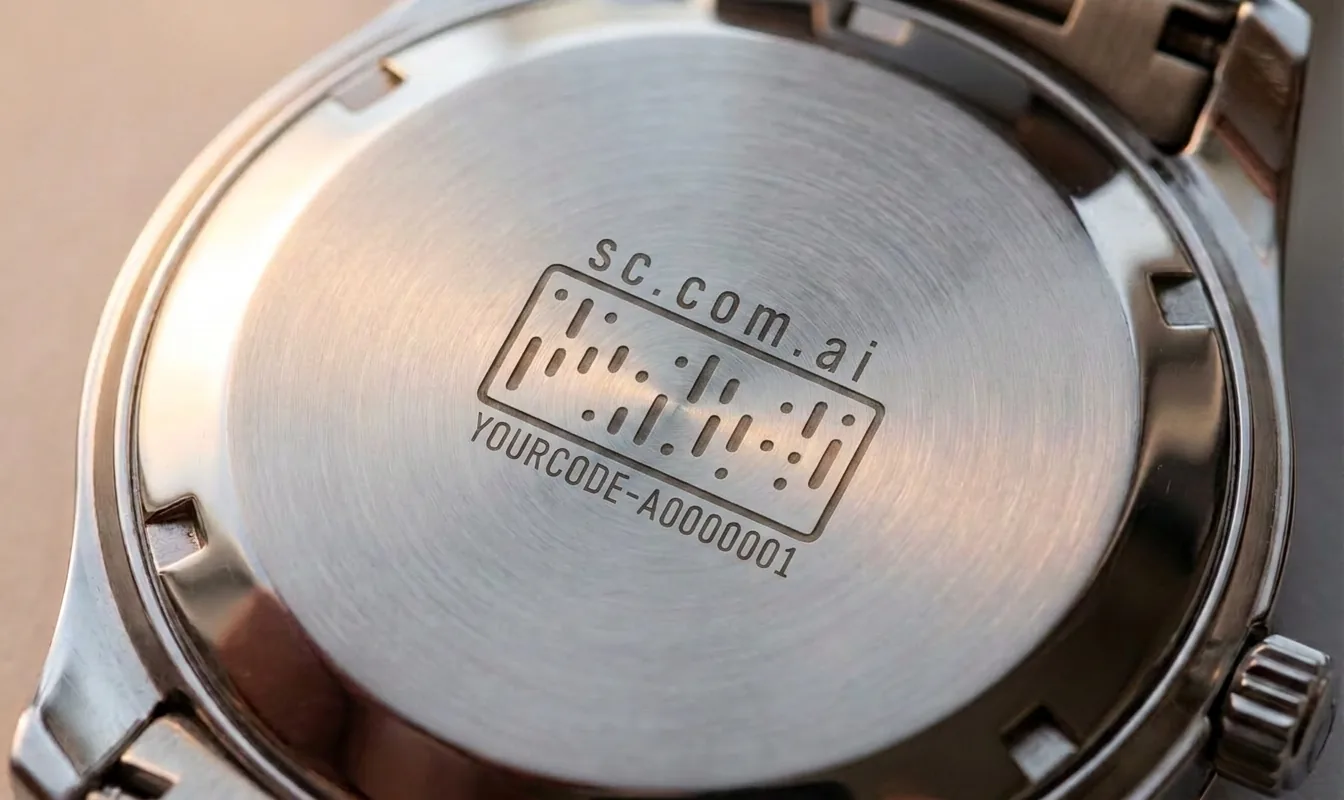
Codes go to you or your label printer and work with common design and printing software. At 1.2mm, a code fits on a capsule, a care label, a vial or the back of a watch.
- 3
Customers scan, you see every scan
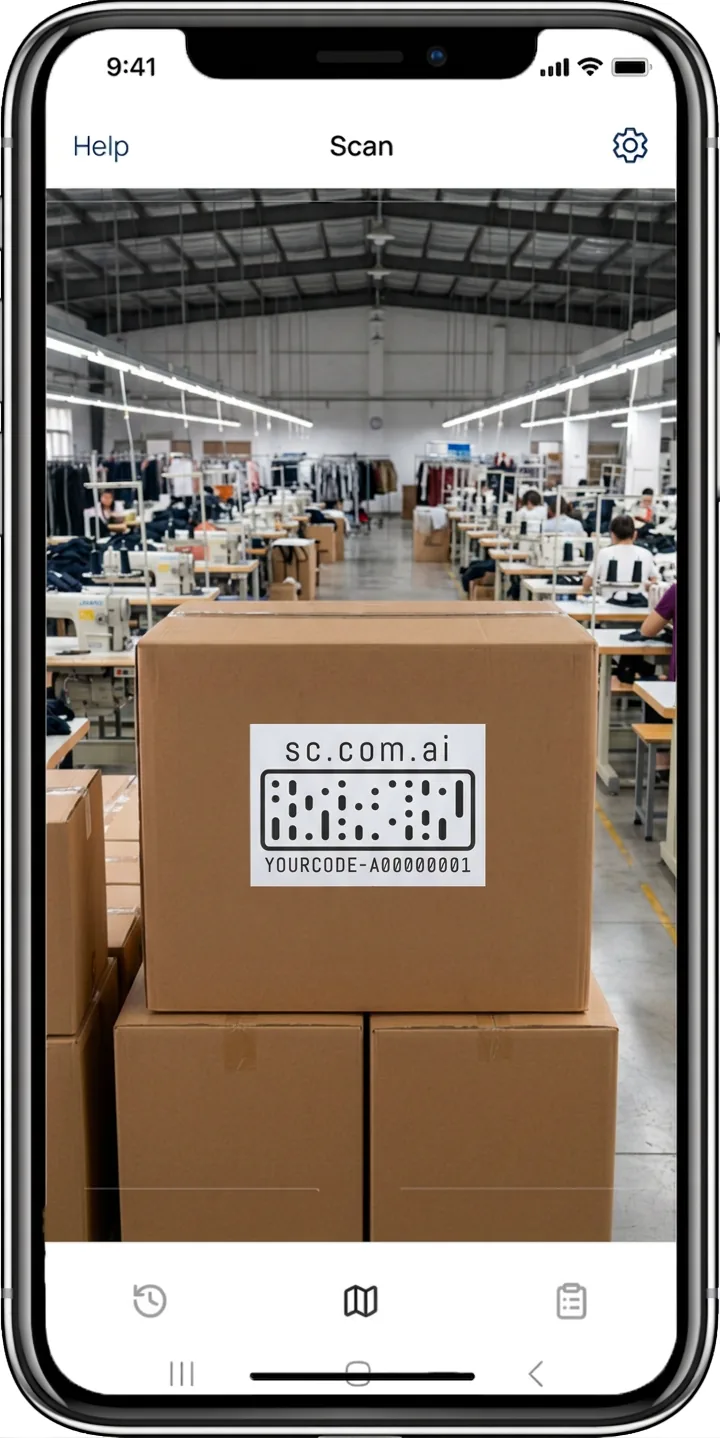
Anyone can check a product with the free Securicode app for iPhone and Android. Each scan is mapped with its time, date and location. When a code is scanned too often, or in two places too far apart to be the same product, your dashboard flags it as a likely copy.
Why it is different
Why does a closed loop beat open codes?
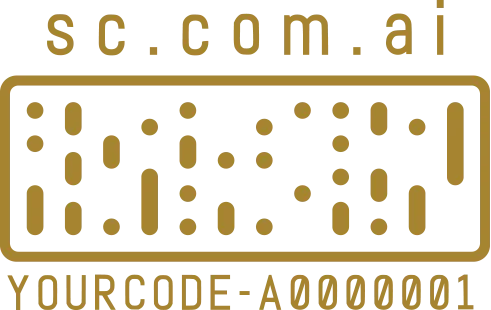
A standard QR code or barcode is an open format. Anyone can generate one for free, point it anywhere and print it by the roll. That makes open codes good for sharing information and poor at proving anything is real.
Securicode works the other way around. Codes are created and issued only by Securicode, and the app only checks them against the Securicode database. Counterfeiters cannot create codes that work, and copies expose themselves when scanned somewhere they should not be.
- Patented code design, with global patent protection
- Codes never resolve to an outside website
- Copies flagged by scan count and impossible movement
- Time, date and location records you can hand to investigators and lawyers
What a scan shows
What does a customer see after scanning?
The result appears in the app within seconds. Each brand decides what extra information sits behind its codes.
Genuine or not
A clear result: the code is genuine, or it is not. A counterfeit shows a cross.
Product details
Whatever the brand attaches: certificates, documents, images and links.
Scan history
A map of where and when that code has been scanned before, so a buyer can spot a copy.
Warning signs
A code scanned many times, or far apart, is a sign the product may be a copy.
Checking a product you bought?
Download the free Securicode app, open it and scan the code. There is no account to create, and no name or email to give.


Who does what?
Authentication only works when everyone has a clear job. Here is how the work splits between your team, Securicode and the people who buy your products.
| Stage | Your brand | Securicode | Your customer |
|---|---|---|---|
| Setup | Applies for access and describes its products and markets | Vets the brand before any code is issued | Nothing to do |
| Codes | Chooses quantities and how codes link (item, case, pallet, container) | Generates random, unique codes and sends them to you or your printer | Nothing to do |
| Production | Prints, etches or weaves codes onto products or labels | Guides you on size, contrast and placement | Nothing to do |
| In market | Watches scans on the dashboard and acts on alerts | Checks every scan against the database and flags unusual patterns | Scans with the free app and sees if the product is genuine |
Explore how Securicode works
Each part of the system in more detail.
 Closed-loop authenticationWhy only approved brands can create codes, and how copies expose themselves.Learn more →Scan and verifyWhat customers do and see in the free app.Learn more →
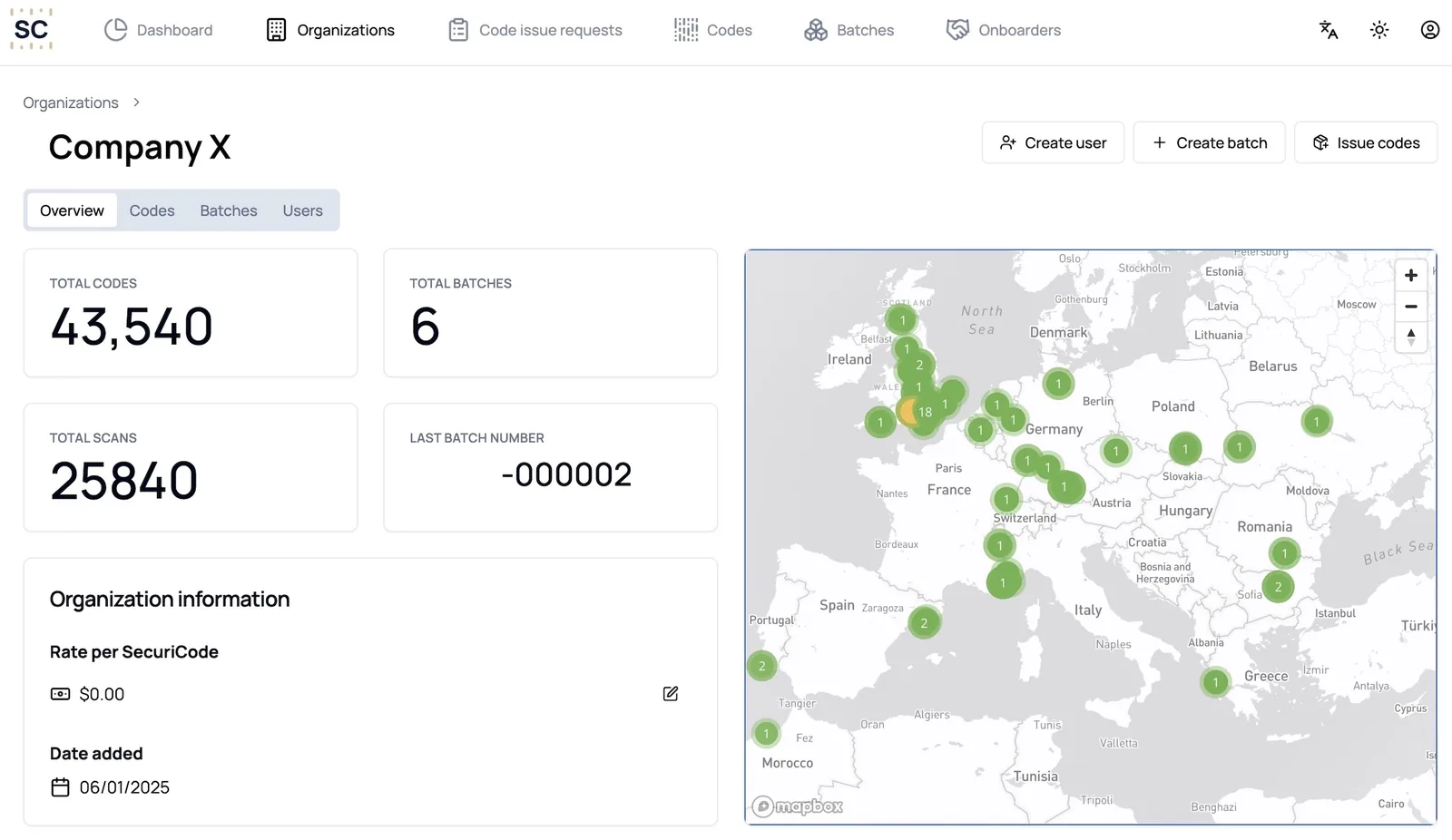 The dashboardEvery code on a map, with alerts when a code looks copied.Learn more →
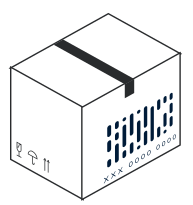
 Item to container trackingLink every item to its case, pallet and container.Learn more →
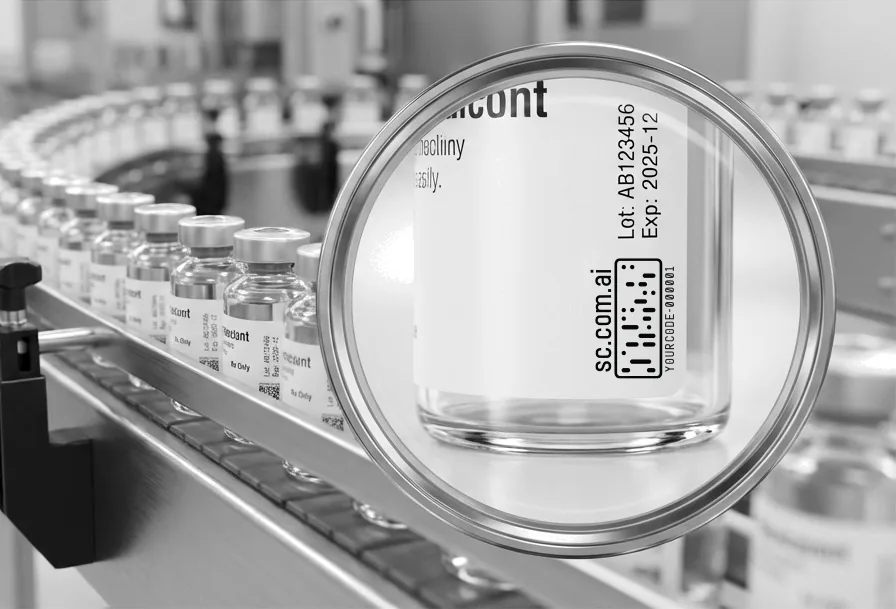 Printing and applicationSizes, surfaces, methods and the software you already use.Learn more →
 Security and privacyWhat we store, what we do not, and how the platform is protected.Learn more →
Frequently asked questions
What is product authentication?
Product authentication is a way to prove an item is genuine and not a copy. Securicode does it with a unique code on each product that only verifies against the Securicode database, checked with a free app.
Who can get Securicodes?
Only brands that apply and pass our vetting. That control is what keeps counterfeiters out of the system. Apply for access.
Do I need new equipment?
No. Codes are supplied for your printer or label supplier and work with common design and printing software. Your customers use their own phones.
Can a counterfeiter copy a Securicode?
Any printed mark can be photographed and reprinted. A copied Securicode still points to one genuine product, so when it is scanned too often or in places that product could not be, your dashboard flags it as a likely copy.
Do customers need the app?
Yes. Checking happens in the free Securicode app, which keeps the result inside the closed loop so a fake code cannot send people to a fake website. The app does not ask for an account, name or email.
How is Securicode different from other Anti-counterfeit technology?
Holograms, QR codes and NFC tags can be bought or made by anyone. Securicodes are only issued to approved brands, and every scan is recorded. Compare the main technologies.
Keep reading
Make every product provable
Apply for access to create Securicodes for your brand, or book a demo and we will show you a live scan.